
Your Future in Tech Starts Here
Why Internships Matter
Internships give you real-world experience in your field, helping you apply classroom knowledge to practical projects. They let you explore different career paths, build professional connections, and strengthen your resume. Completing an internship can help you land more interviews, get hired faster, and even earn a higher starting salary, turning your hard work into both career experience and academic credit.
Your department is determined by your degree plan. All students follow the same general preparation process, but enrollment requirements vary by department. Whether you are in Software Development & Computer Science or Information Technology & Cybersecurity, this page will guide you through preparing for, securing, and earning academic credit for an internship or practicum experience.
Note: You must secure a position by the first day of your internship semester. Use our checklist to land your role.

Choose Your Academic Path
Your steps depend on your program. Select your department below.
Software Development & Computer Science
This department has a specific approval and enrollment process. After securing an internship:
STEPS TO ENROLL
- Complete Interest Form
- Complete Strategies for Today’s Jobs
- Search 3-6+ months ahead and secure an internship in your field
- Meet with your internship instructor to discuss the role and objectives
- Once approved, you’re enrolled in the practicum section
RECOMMENDED PLATFORMS & TOOLS
- LeetCode – coding challenges & interview prep
- HackerRank / CodeSignal – employer-used assessments
- GitHub – showcase projects, contribute to open source
- Stack Overflow – join the dev community
ACTIONABLE TIPS
- Contribute to open-source projects to demonstrate real-world coding experience
- Prepare for technical interviews with mock coding challenges and system design exercises
- Document your projects clearly (README files, problem statements, outcomes)
- Build soft skills in communication, teamwork, explaining your code and decisions
- Participate in real or simulated team projects
Information Technology & Cybersecurity
STEPS TO ENROLL
Contact the department for guidance on eligibility, approval, and enrollment.
RECOMMENDED PLATFORMS & TOOLS
- TryHackMe – beginner-friendly, guided walkthroughs
- Hack The Box – practice for those with some background
- OverTheWire – Linux & command-line wargames
- CompTIA (Network+, A+, Security+) – entry-level certs, ACC discount available
- Cisco CCNA – associate-level networking cert
- Python – a non-negotiable basic skill
ACTIONABLE TIPS
- Build a VM, install Kali Linux, and learn what its pre-installed tools do
- Set up a home lab to practice network, server, and security configurations
- Do CTFs and hackathons – beginners often do great since they’re not boxed in by assumptions
- Read or watch security news daily; set a Google Alert to stay current
- Keep a journal reflecting on security events and why they matter
- Network with IT pros and alumni – attend meetups, conferences, or join DIR
- Learn Git and basic version control
- Use GitHub as a free portfolio host for code, notes, and projects
Internship Course Info
Course: ITSC 2264 – Practicum – CIS, General
Description: Practical general training and experiences in the workplace. The college with the employer develops and documents an individualized plan for the student. The plan relates the workplace training and experiences to the student’s general and technical course of study. The guided external experiences may be paid or unpaid. This course may be repeated if topics and learning outcomes vary.
Prerequisite: Sophomore standing with B average or instructor/program approval
Other info: Paid or unpaid, repeatable, individualized learning plan
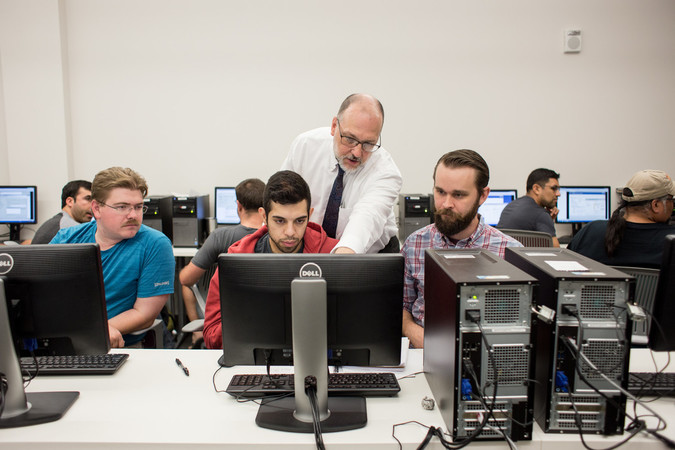
Get Ready to Apply
College-wide support, open to every student regardless of department.
Office of Experiential Learning
Every student should complete the Internship Preparation Checklist before beginning their search.
The checklist covers:
– Understanding program requirements
– Building your resume and LinkedIn profile
– Searching and applying strategically
– Preparing after receiving an internship offer
Career Life Design Services
Get personalized support with:
– Resume and cover letter development
– Internship and job searches
– Technical and behavioral interview preparation
– LinkedIn and professional branding
Available Internship Opportunities
Spring 2027
Internship opportunities coming soon!
Summer 2027
Internship opportunities coming soon!
Internship Success Stories

Hurley Piano
What started as a class project has become a full and interactive music learning experience—now available on the iOS App Store. Chime Candy, an app that gamifies music education for children, was developed by Austin Community College District (ACC) alum Louis “Lou-Edward” Lednicky, in partnership with Richard Hurley of Hurley Piano and a team of talented ACC student interns.
Students gained:
- Real-world app development experience
- Team-based software project work
- Game development skills
- Sound design & MIDI integration experience
- App Store product launch experience
“ACC gives its coding students a good grounding in game development…The students enjoy putting theory and studies into practice and seeing their efforts reach the real world” – Louis Lednicky
Housing Authority for the City of Austin
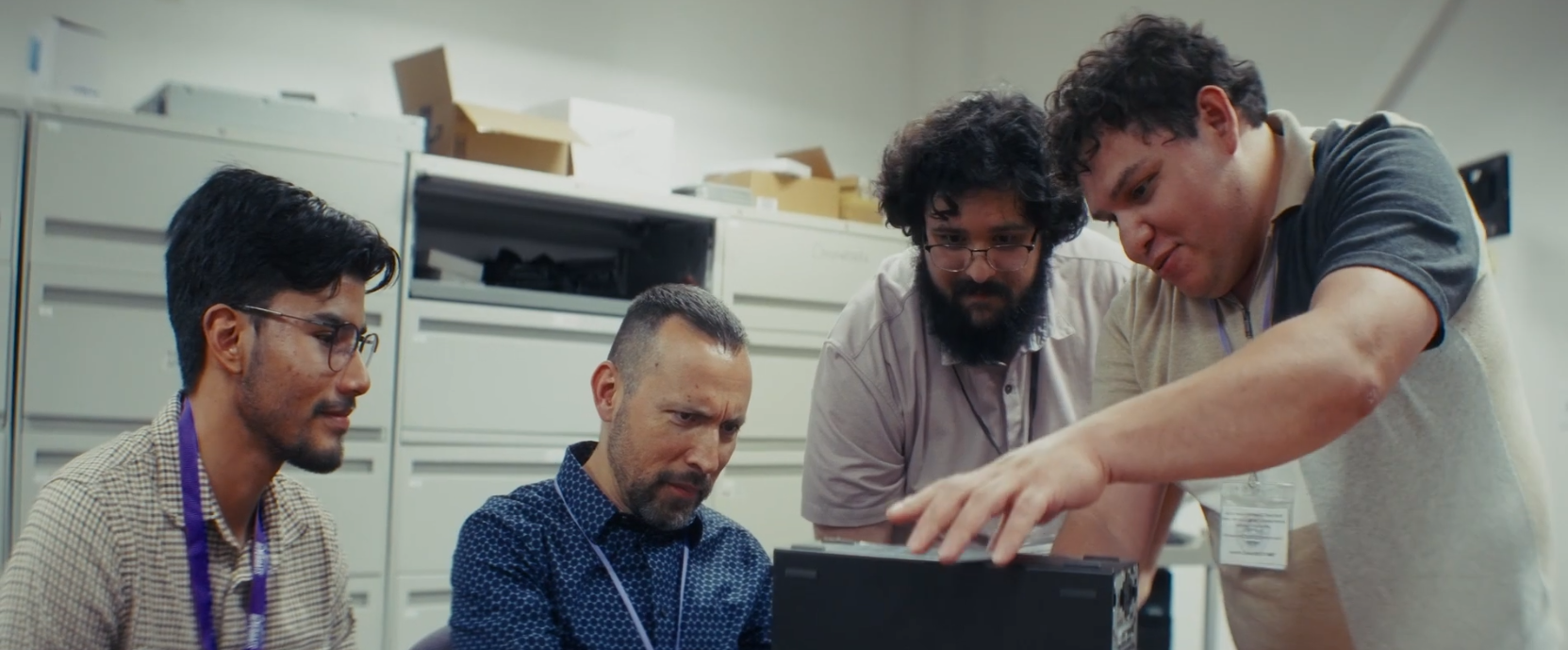
The Digital Inclusion Internship gives ACC IT and Computer Science students hands-on experience while helping bridge the digital divide. Through a partnership with the Austin Housing Authority and Capital IDEA, student interns provide technology support, digital literacy training, and IT assistance to community members.
Students gained:
- Real-world IT support and troubleshooting experience
- Hardware, software, and cybersecurity skills
- Customer service and technical communication experience
- Professional networking opportunities
- Experience using technology to make a positive community impact
“This internship helped me find my place in IT and discover what I want to do. After this internship, I feel like I’ve really started my career.” – Enrique Balderas Lemus
Questions? Reach Out to Your Department
Software Development & Computer Science
Manuel Duran, Department Chair
(512) 223-3185 · [email protected]
Erica Cepeda, BAS Software Development Coordinator
(512) 223-3192 · [email protected]
Information Technology & Cybersecurity
Fred Love, Department Chair
(512) 223-3182 · [email protected]
La Tasha Roberts, Cybersecurity Coordinator
(512) 223-7527 · [email protected]